
Rashan Card If you have successfully received your CM Punjab Rashan Card, you are now eligible for a Rs. 3,000 monthly grocery subsidy. However, to avail of this discount, you must shop at specific authorized locations. The Punjab government has partnered with thousands of retailers to ensure that every beneficiary has a registered shop nearby.
From large government-run outlets to small local grocery stores, the network is designed for your convenience. This guide will help you identify where to shop and how to use your digital credit effectively.
Authorized Store Network at a Glance
| Store Category | Location Type | Verification Method |
| Utility Stores (USC) | Government Outlets | Biometric / CNIC Scan |
| Authorized Kiryana Shops | Registered Private Stores | POS Machine & OTP |
| Bank Partner | Bank of Punjab (BOP) | Digital Backend Tracking |
| Monthly Limit | Rs. 3,000 | Automatically Refilled |
| Helpline | 0800-02345 | PSER Support |
Where Can You Use Your CM Rashan Card?
You cannot use this card at just any shop. The subsidy is valid only at two types of authorized merchants:
1. Government Utility Stores (USC)
Every official Utility Stores Corporation branch across all 36 districts of Punjab is equipped to accept the Rashan Card. These stores are ideal for buying high-quality flour and ghee at government-controlled rates.
2. Registered Private Kiryana Stores
The Bank of Punjab has registered thousands of local “Kiryana” (grocery) shops. These shops display an official CM Punjab Rashan Program sticker or board at their entrance. They are equipped with special POS (Point of Sale) machines to process your discount.
Eligibility Criteria for CM Punjab Ration Card | Important Guidelines (2026)
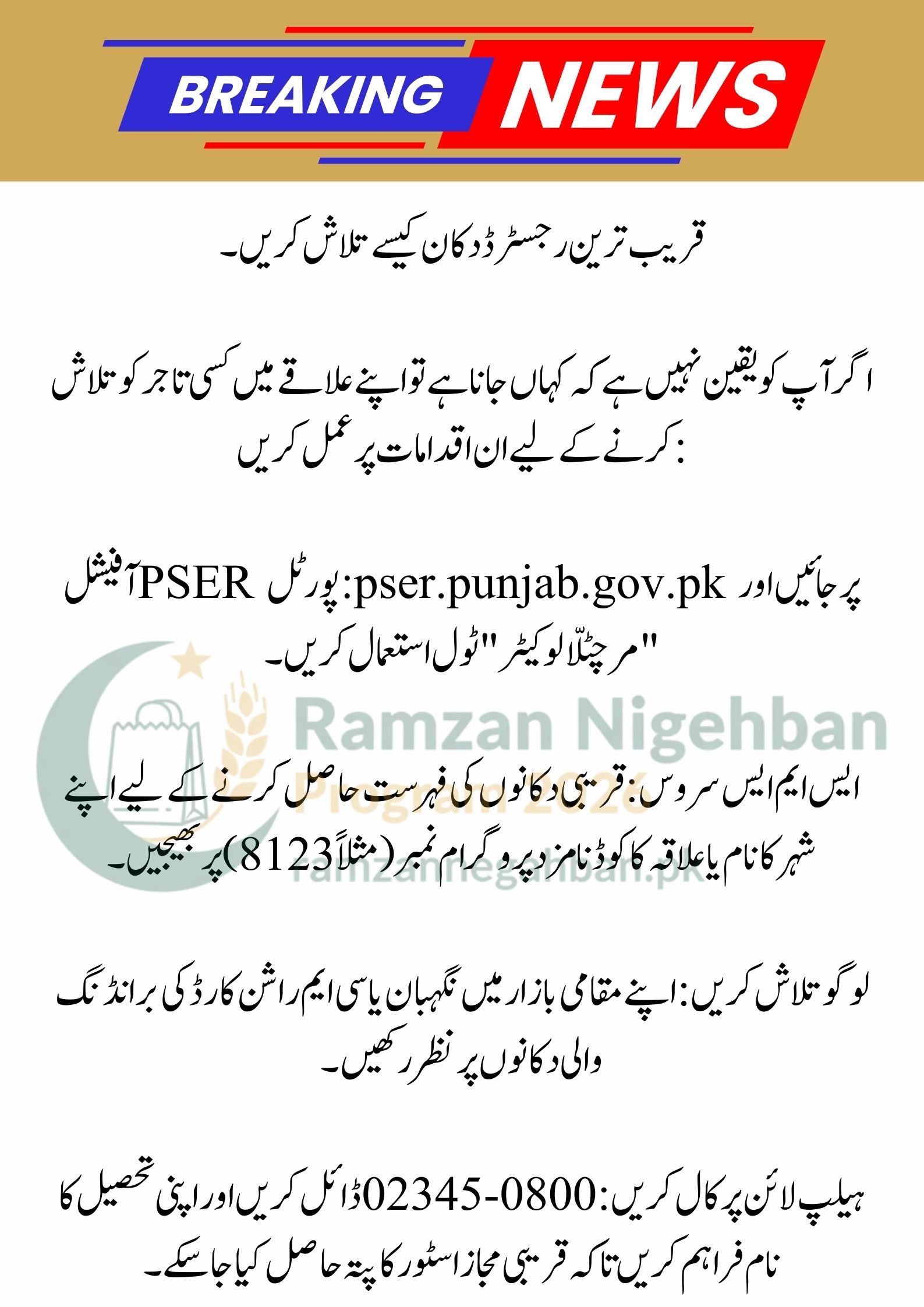
How to Find the Nearest Registered Shop
If you aren’t sure where to go, follow these steps to locate a merchant in your area:
-
Official PSER Portal: Visit pser.punjab.gov.pk and use the “Merchant Locator” tool.
-
SMS Service: Send your city name or area code to the designated program number (e.g., 8123) to receive a list of nearby shops.
-
Look for the Logo: Keep an eye out for shops in your local market featuring the Nigehban or CM Rashan Card branding.
-
Call the Helpline: Dial 0800-02345 and provide your Tehsil name to get the address of the nearest authorized store.
Step-by-Step Shopping Guide
-
Bring Your Identity: Always carry your Original CNIC and your mobile phone (the SIM must be registered in your name).
-
Select Your Items: Pick essential items like flour, cooking oil, sugar, and pulses.
-
Inform the Cashier: Before billing, tell the shopkeeper you want to pay using your CM Rashan Card subsidy.
-
Verification: The cashier will enter your CNIC into the POS machine. You will receive an OTP (One-Time Password) on your phone. Provide this code to the shopkeeper.
-
Pay the Balance: If your total bill is Rs. 4,000, the machine will deduct Rs. 3,000 from your subsidy. You only need to pay the remaining Rs. 1,000 in cash.

Conclusion
The CM Rashan Card 2026 ensures that affordable food is just a short walk away. By using the PSER portal or the 0800-02345 helpline, you can easily find a registered shop and claim your Rs. 3,000 monthly discount. Remember, this subsidy is refreshed on the 1st of every month, so make sure to use your credit before it expires at the end of the month!
Widow Support Card 2026: Financial Stability for Deserving Women
(FAQs)
1. What if a shopkeeper asks for an extra fee to use the card?
Using the CM Rashan Card is completely free. If a shopkeeper asks for a commission or “service fee,” do not pay it. Report the shop immediately by calling the PSER helpline at 0800-02345.
2. Can I use half of my subsidy at one shop and the rest at another?
Yes. You can use your Rs. 3,000 limit in multiple transactions throughout the month. For example, you can spend Rs. 1,500 at a Utility Store and the remaining Rs. 1,500 at a local registered Kiryana shop.
3. Does the shopkeeper need my physical Rashan Card?
While having the card is helpful, the primary requirement is your Original CNIC and the mobile phone linked to your account. The transaction is verified through your CNIC and the OTP sent to your phone.