NADRA,
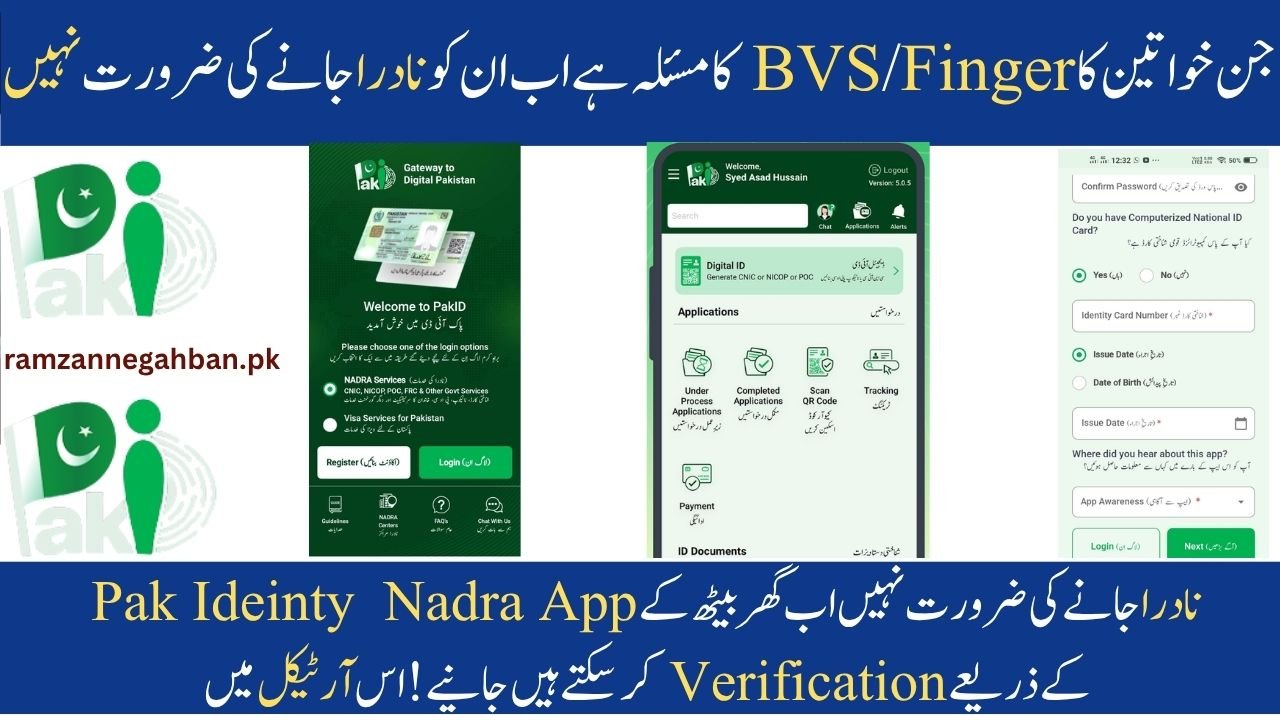
For many years, millions of Pakistani women, particularly those receiving BISP or Ehsaas payments, have confronted a significant problem: their fingerprints do not function.
Many women had to return to NADRA offices several times due to failed biometric verification (BVS), wasting both time and money.
👉 Positive news for 2026:
The National Database and Registration Authority has introduced a new digital solution. You may now use the Pak Identity to perform biometric verification from your home.
. Visit Official Nadra Website
Old Method vs New Method
| Feature | Old System | New Pak Identity App |
|---|---|---|
| Location | NADRA office / bank | At home |
| Verification | Fingerprints only | Fingerprint + Face |
| Waiting Time | Hours | 5–10 minutes |
| Cost | Travel + time | Only internet |
| Availability | Office hours | 24/7 |

Why Fingerprints Fail? (BVS Problem)
Fingerprint verification frequently fails because of:
In old age, the skin thins and fingerprints disappear.
Household Work: Washing, cleaning, and detergent might harm fingerprints.
Medical Concerns: Skin diseases or injuries
Hard Labor: Continuous manual effort eliminates fingerprint patterns.
👉 Previously, this caused:
Blocked BISP payments.
Long lines at NADRA offices.
Multiple unsuccessful efforts.
Pak Identity App: A Novel Approach
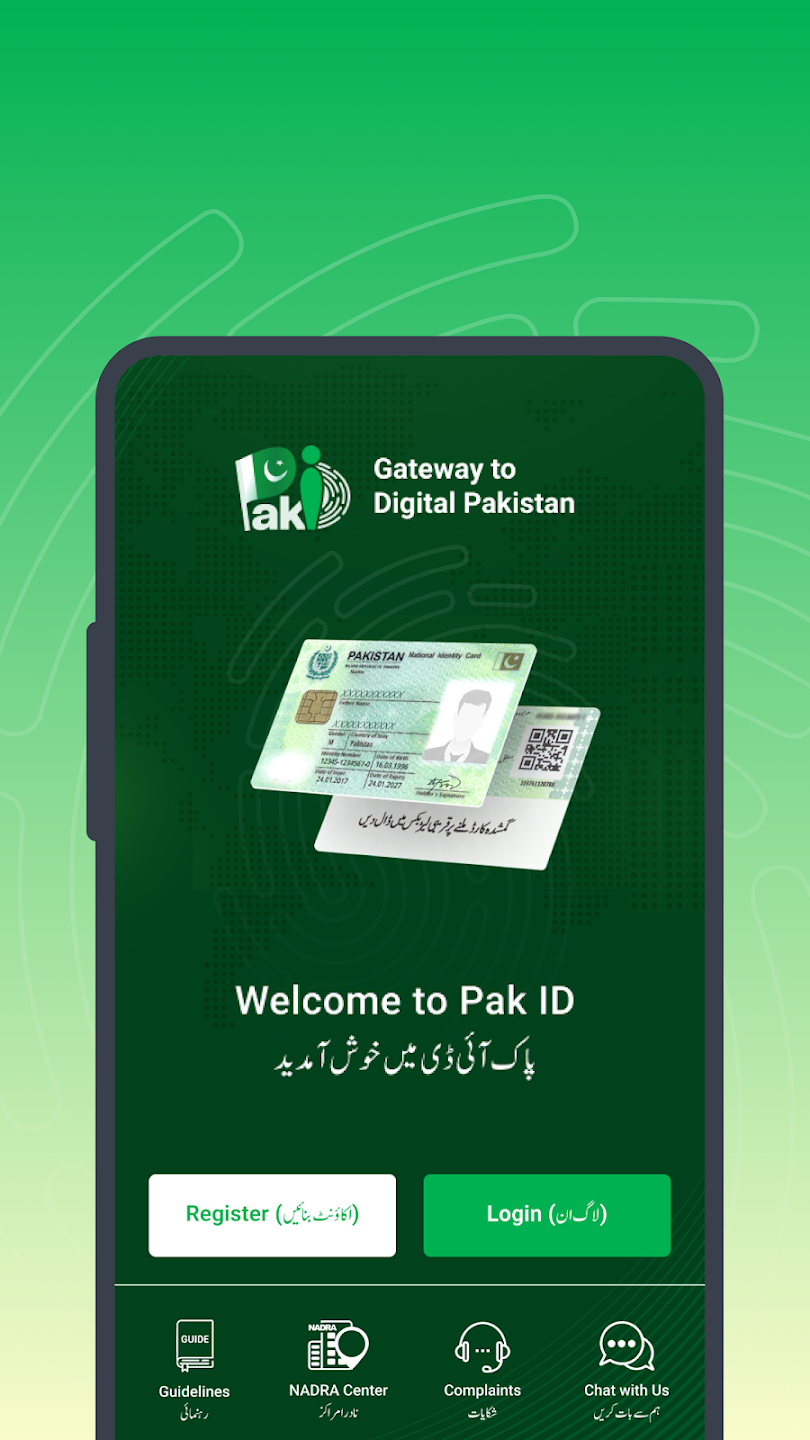
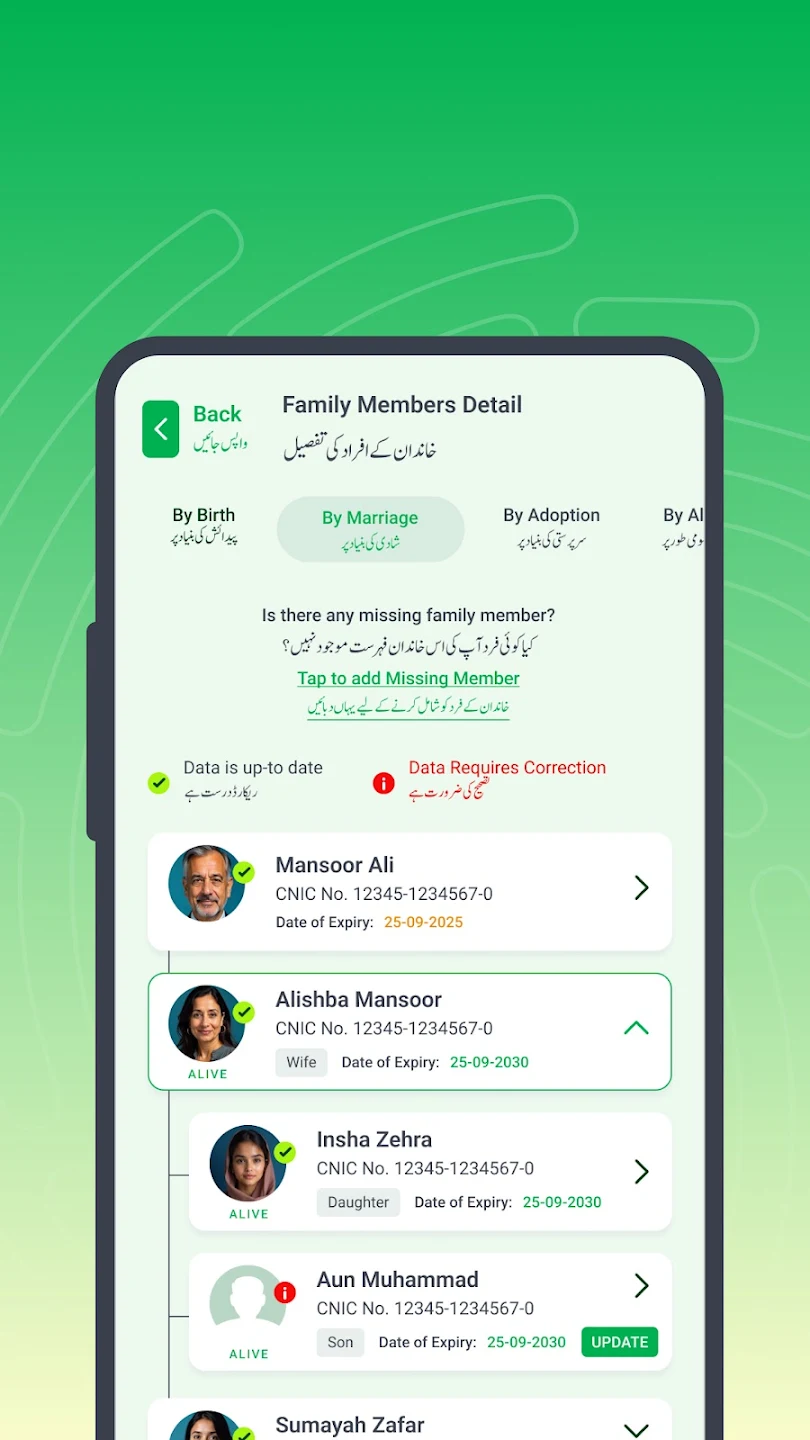
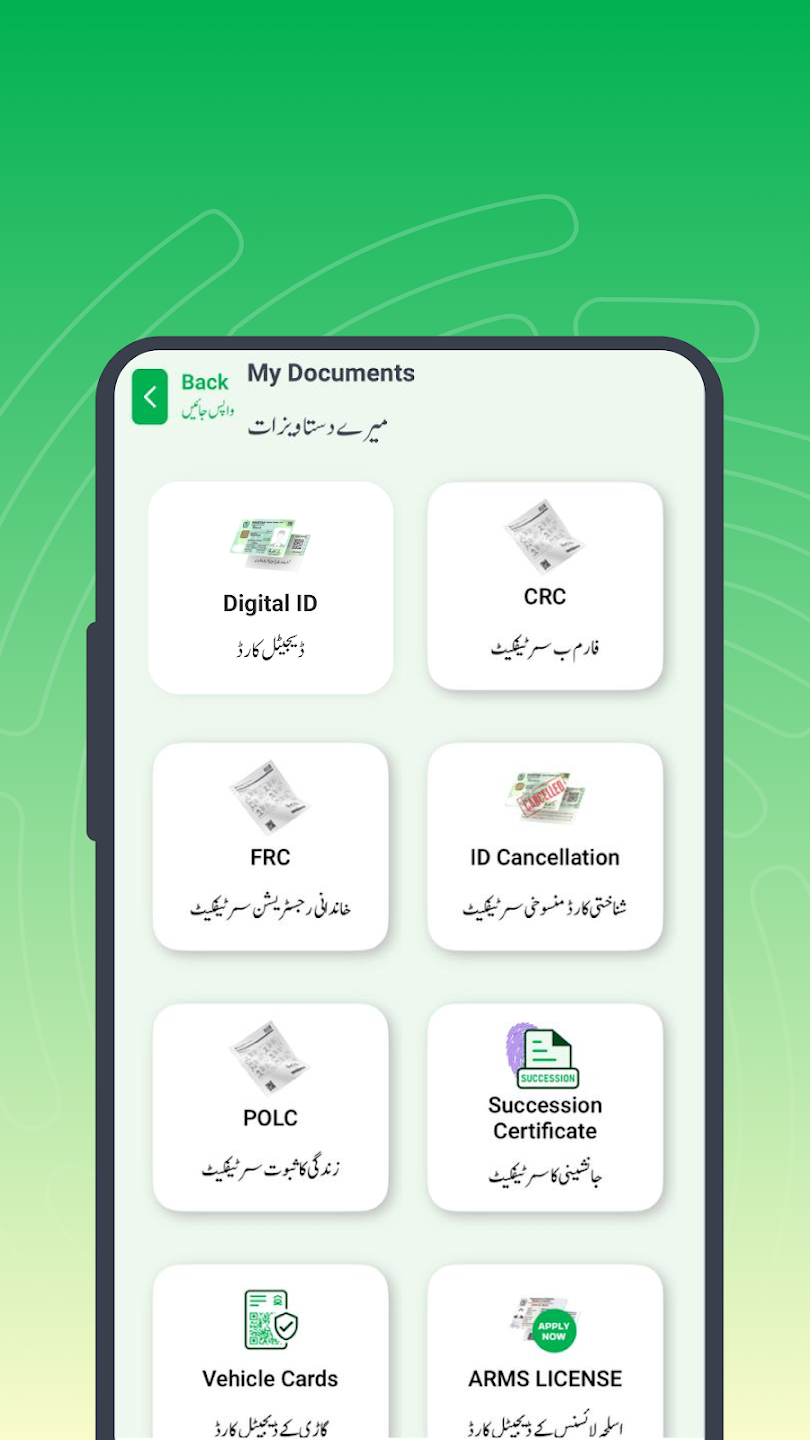
The official mobile application for NADRA is called the Pak Identity App.
A “Contactless Biometric System” was added in 2026, enabling users to authenticate themselves using:
Camera-based fingerprints and facial recognition (new feature)
👉 This implies that everything can be done from home, eliminating the need for long queues
If a physical certificate is needed
Some older systems may still demand physical evidence.
👉 NADRA now offers Facial Biometric Certificate.
Visit the NADRA office once.
Face scan is taken.
You receive a QR code certificate.
Valid for 7 days.
-
Feature Traditional Method New Pak-ID App Method Location Must visit NADRA / Bank Anywhere (at Home) Verification Type Fingerprints Only Fingerprints + Facial Recognition Wait Time Hours in queue 5 to 10 Minutes Cost Travel expenses + Time Internet Data Only Availability Office Hours (9 AM – 5 PM) 24/7 Service
Warnings
Download just the official NADRA app.
Never disclose your OTP or password.
Use the app under adequate lighting.
Avoid agents that seek for money.

Conclusion
New Pakistan Identity App 2026 is a tremendous relief, especially for women who have fingerprint challenges. The new facial recognition system eliminates the need to visit offices on a regular basis.
This digital overhaul guarantees that all citizens, particularly women, have easy and dignified access to identity services and financial support.
Download the app now to handle your verification from home.
(FAQs)
1. Is face recognition as reliable as fingerprints?
Indeed, facial recognition is recognized by NADRA as a legitimate biometric technique.
2. Is it okay for me to use someone else’s phone?
Yes, you may finish verification with any smartphone that has an excellent camera.
3. Will this resolve problems with BISP payments?
Yes, it helps fix biometric payment issues with BISP after your verification is updated via the app.