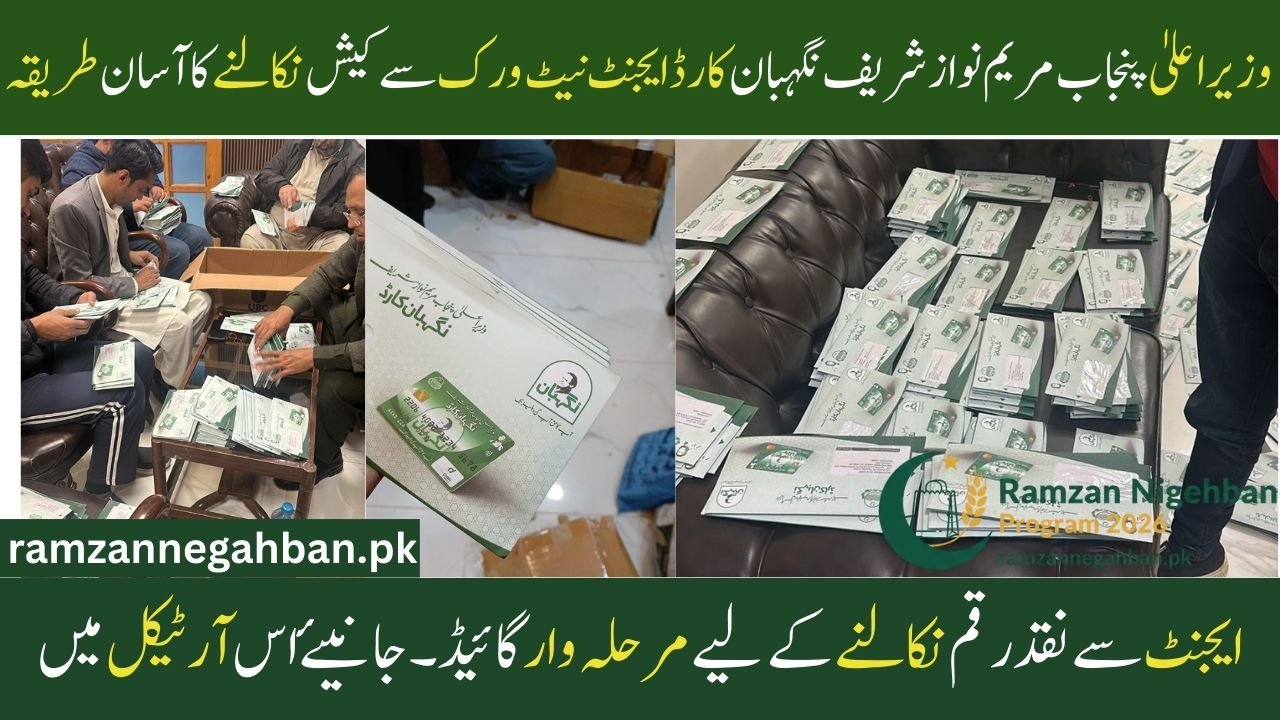
Congratulations to all the families in Punjab who have received their CM Punjab Maryam Nawaz Sharif Nigehban Card! This card is part of a massive relief program designed to provide financial help directly to those who need it most. While you can use this card at any ATM, many people prefer using the Agent Network because it is often closer to their homes and offers personal assistance.
If you are looking for the simplest way to get your cash assistance through an agent, this guide will explain the entire process step-by-step.
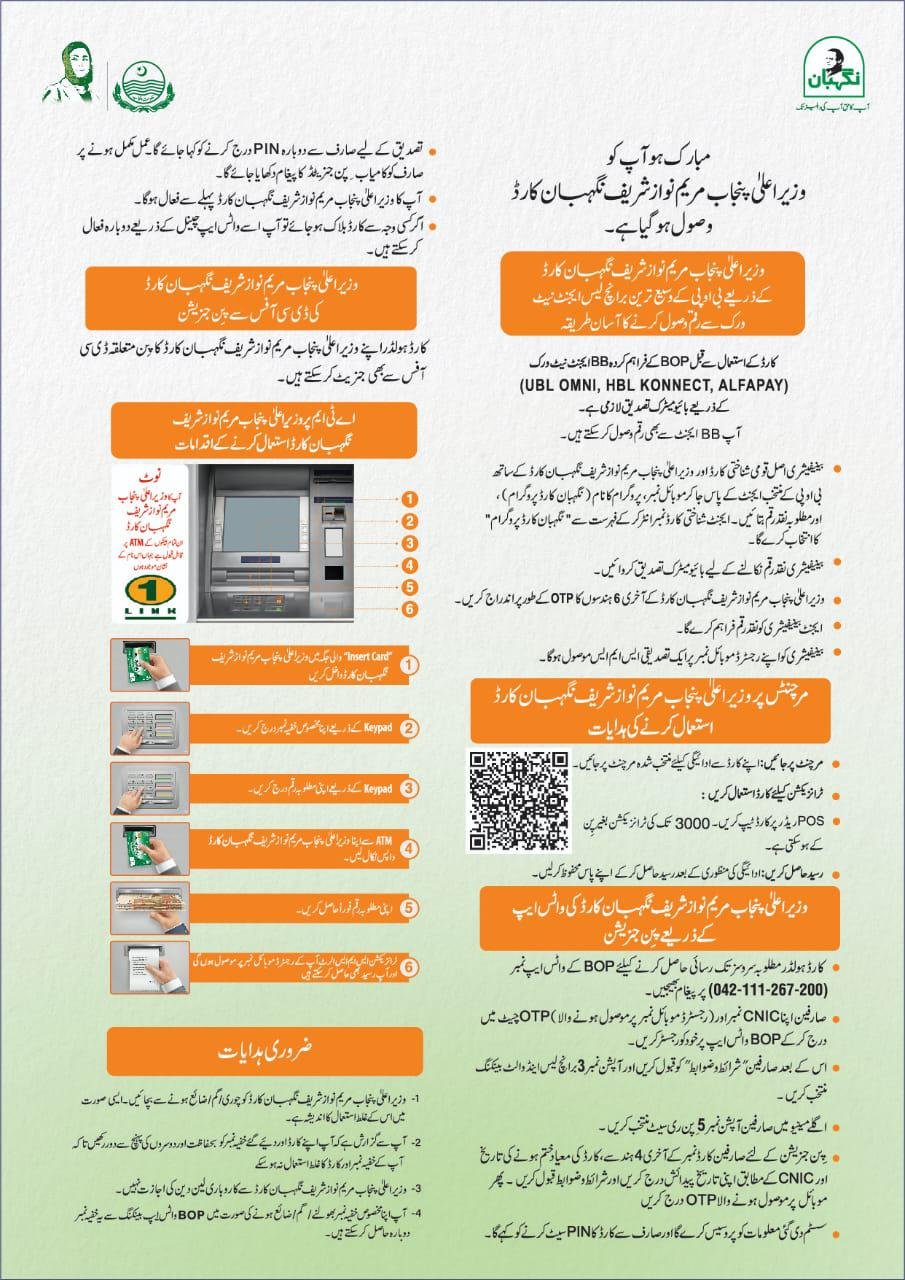
Nigehban Card Agent Network Overview
| Feature | Details |
| Partner Networks | UBL Omni, HBL Konnect, and AlfaPay |
| Verification Method | Biometric (Thumbprint) and OTP |
| Required Documents | Original CNIC and Nigehban Card |
| Service Cost | 100% Free of Charge |
| Daily Availability | During Agent Business Hours |
What is the Nigehban Card Agent Network?
The Punjab government has partnered with the Bank of Punjab (BOP) and several “Branchless Banking” providers to make sure you can get your money easily. Instead of traveling to a big bank branch, you can visit local shops that act as agents for UBL Omni, HBL Konnect, or AlfaPay. These agents are trained to help you withdraw your Rs. 10,000 cash aid safely and quickly.
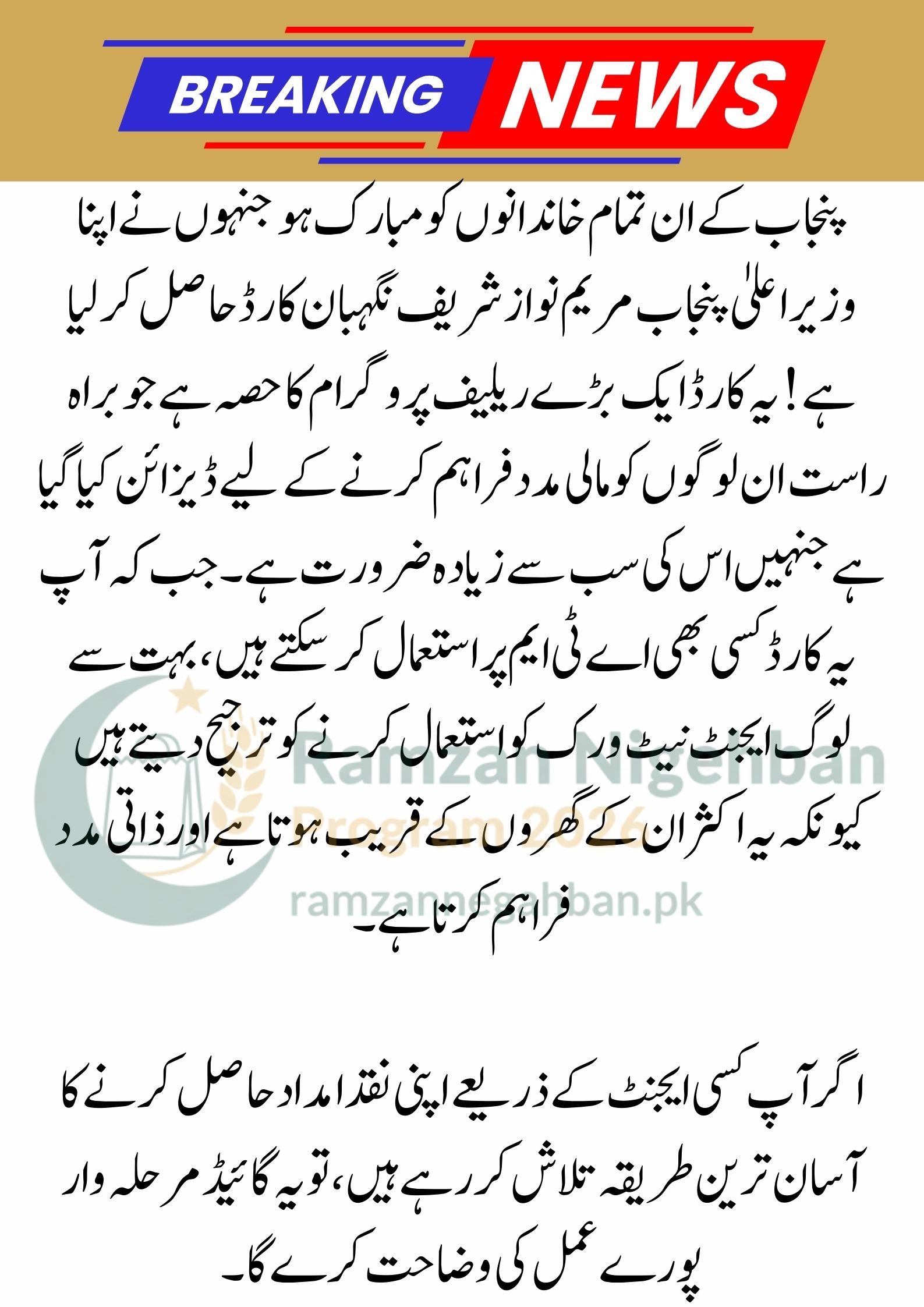
Step-by-Step Guide to Withdrawing Cash from an Agent
To ensure a smooth experience, follow these simple steps when you visit a registered agent:
1. Locate a Registered Agent
Look for shops in your neighborhood or local market that display the logos of UBL Omni, HBL Konnect, or AlfaPay. These are the authorized partners for the Nigehban Card program.
2. Bring Your Required Items
You must have two things with you to receive your money:
-
Your Original 13-digit CNIC.
-
Your CM Punjab Maryam Nawaz Sharif Nigehban Card.
8070 Online Registration 2026: Your Guide to Ramzan Package & Nigehban Card
3. Biometric Verification
Once you are at the agent shop, tell the agent you want to withdraw money from the “Nigehban Card Program”. The agent will ask for your CNIC and then ask you to place your thumb on a small scanner. This biometric verification ensures that only you can receive your money.
4. Entering the OTP
After your thumbprint is verified, the system will send a One-Time Password (OTP) to your registered mobile number. You will need to provide this code or the last 6 digits of your card number to the agent to confirm the transaction.
5. Collect Your Cash and Receipt
The agent will hand you your Rs. 10,000 cash. It is very important to ask for a printed receipt. This receipt proves that the transaction was completed correctly and shows how much was withdrawn.
Today’s Big Update: Punjab Nigehban Ramzan Card 2026
Safety and Security Tips
To keep your money safe, remember these important rules:
-
No Fees: The agent is not allowed to cut any money from your Rs. 10,000. If an agent asks for a fee or gives you less money, report them to the helpline immediately.
-
Protect Your Information: Never share your card’s secret PIN with the agent. Biometric verification is enough for agent withdrawals.
-
Personal Presence: Only the person whose name is on the card (the beneficiary) can withdraw the money because the thumbprint must match the government’s records.
Ramzan Package 2026: Punjab Govt Nigehban Card & Rs 10,000 Cash Updates
Conclusion
The Nigehban Card Agent Network is a fantastic facility that brings government relief right to your doorstep. By visiting an authorized UBL Omni, HBL Konnect, or AlfaPay shop, you can avoid long lines at ATMs and get help from a local shopkeeper. This system is fast, secure, and completely free. Make sure you have your original CNIC and mobile phone with you, and you will have your cash in hand within minutes.
(FAQs)
1. Which agents can I visit to get my Nigehban Card money?
You can visit any authorized agent belonging to the UBL Omni, HBL Konnect, or AlfaPay networks. These agents are available in almost every tehsil and village across Punjab.
2. What should I do if my thumbprint does not match at the agent shop?
If your biometric verification fails, try cleaning your thumb and the scanner. If it still doesn’t work, you may need to visit your local Assistant Commissioner’s office or a NADRA center to update your biometric record.
3. Do I need to have my mobile phone with me?
Yes. A mobile phone is necessary because the system sends a verification OTP to your registered SIM card during the withdrawal process. Without this code, the agent cannot complete your transaction.
Would you like me to help you find the helpline number to report an agent who is asking for a fee?