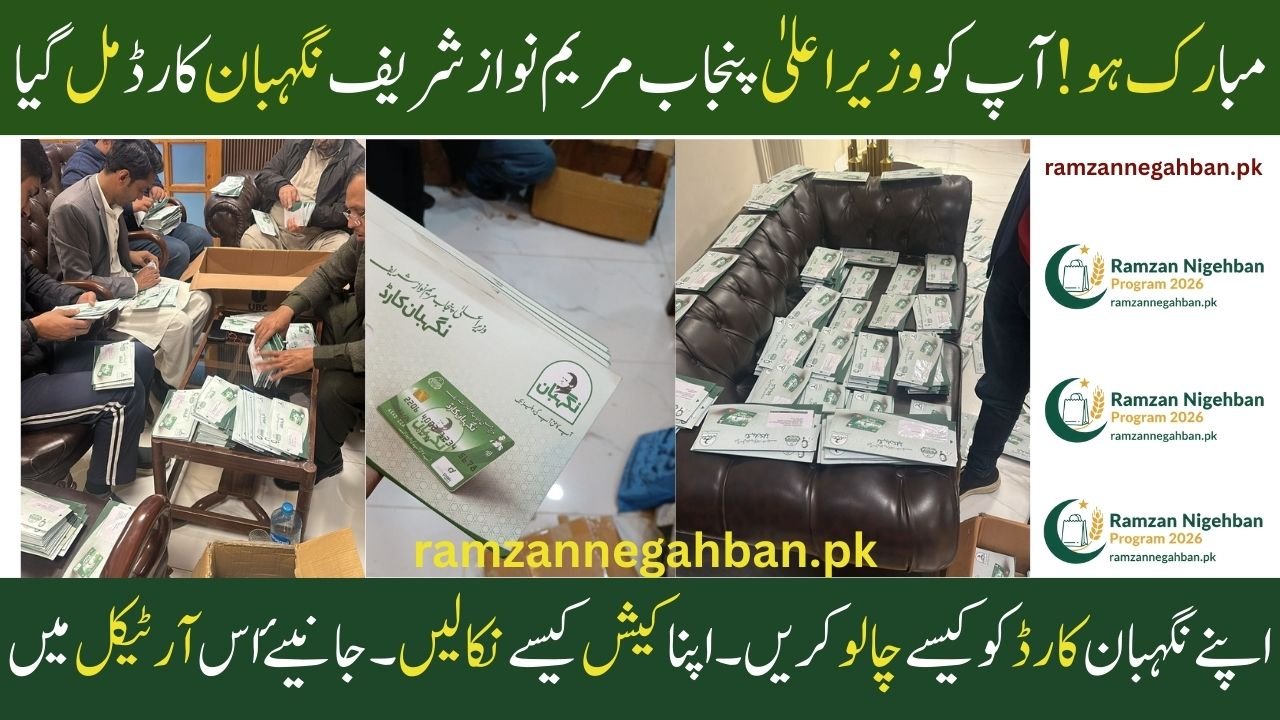
Nigehban Card Congratulations! You have received the CM Punjab Maryam Nawaz Sharif Nigehban Card

Nigehban Card, Congratulations to the citizens of Punjab! If you have recently received the CM Punjab Maryam Nawaz Sharif Nigehban Card, you now hold a powerful tool for financial relief. This card is a special initiative designed to provide dignified and transparent assistance to deserving families during the holy month of Ramadan and beyond.

This guide will explain how to activate your card, how to withdraw your cash, and how to keep your funds safe.

Nigehban Card Congratulations! You have received the CM Punjab Maryam Nawaz Sharif Nigehban Card

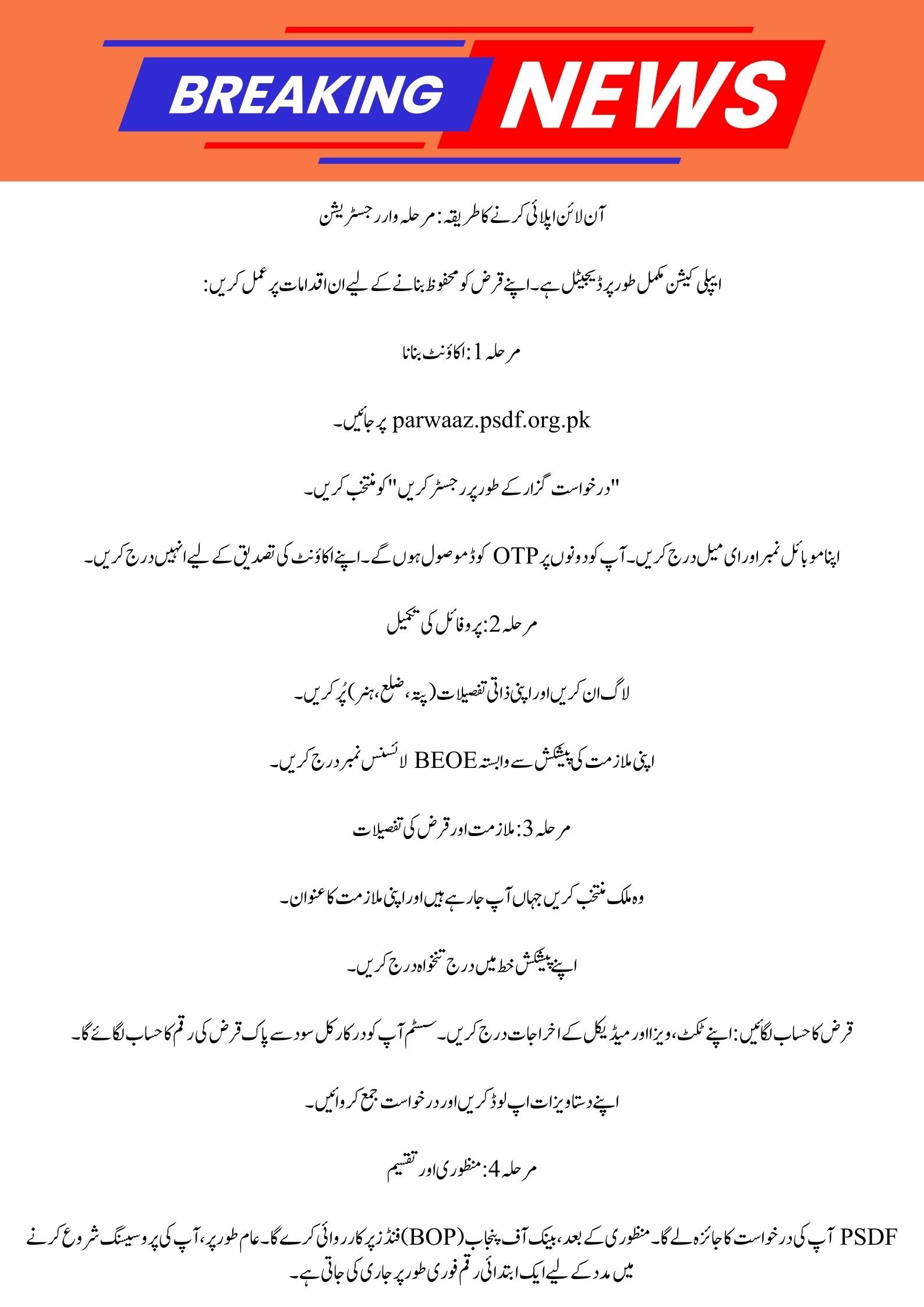
8070 Online Registration 2026: Your Guide to Ramzan Package & Nigehban Card

Congratulations! You have received the CM Punjab Maryam Nawaz Sharif Nigehban Card

Nigehban Card Quick Overview

Feature Details
Program Name Maryam Nawaz Sharif Nigehban Card
Relief Amount Rs. 10,000 Cash Assistance
Withdrawal Points ATMs (1-Link), UBL Omni, HBL Konnect, AlfaPay
Help Center Bank of Punjab (BOP) WhatsApp & DC Offices
Security Biometric and OTP Protected

How to Activate Your Nigehban Card

Before you can use your card at an ATM or a shop, you must generate a secret 4-digit PIN. 

1. Via WhatsApp (The Easiest Way)

You can generate your PIN from home using the Bank of Punjab (BOP) WhatsApp service:

  • Save the number 042-111-267-200 in your phone.

  • Send a “Hi” or any message to this number.

  • Follow the menu and select Option 3 for “Branchless Banking” and then Option 5 for “PIN Generation”.

  • Enter your CNIC and your date of birth.

  • You will receive an OTP (One-Time Password) on your registered mobile number; enter this into the chat.

  • Set your new 4-digit secret PIN.

Today’s Big Update: Punjab Nigehban Ramzan Card 2026

2. Via the DC Office

If you face issues with the digital method, you can visit your local Assistant Commissioner or Deputy Commissioner (DC) office. The staff there can help you generate your PIN manually through their official system.

How to Withdraw Your Cash

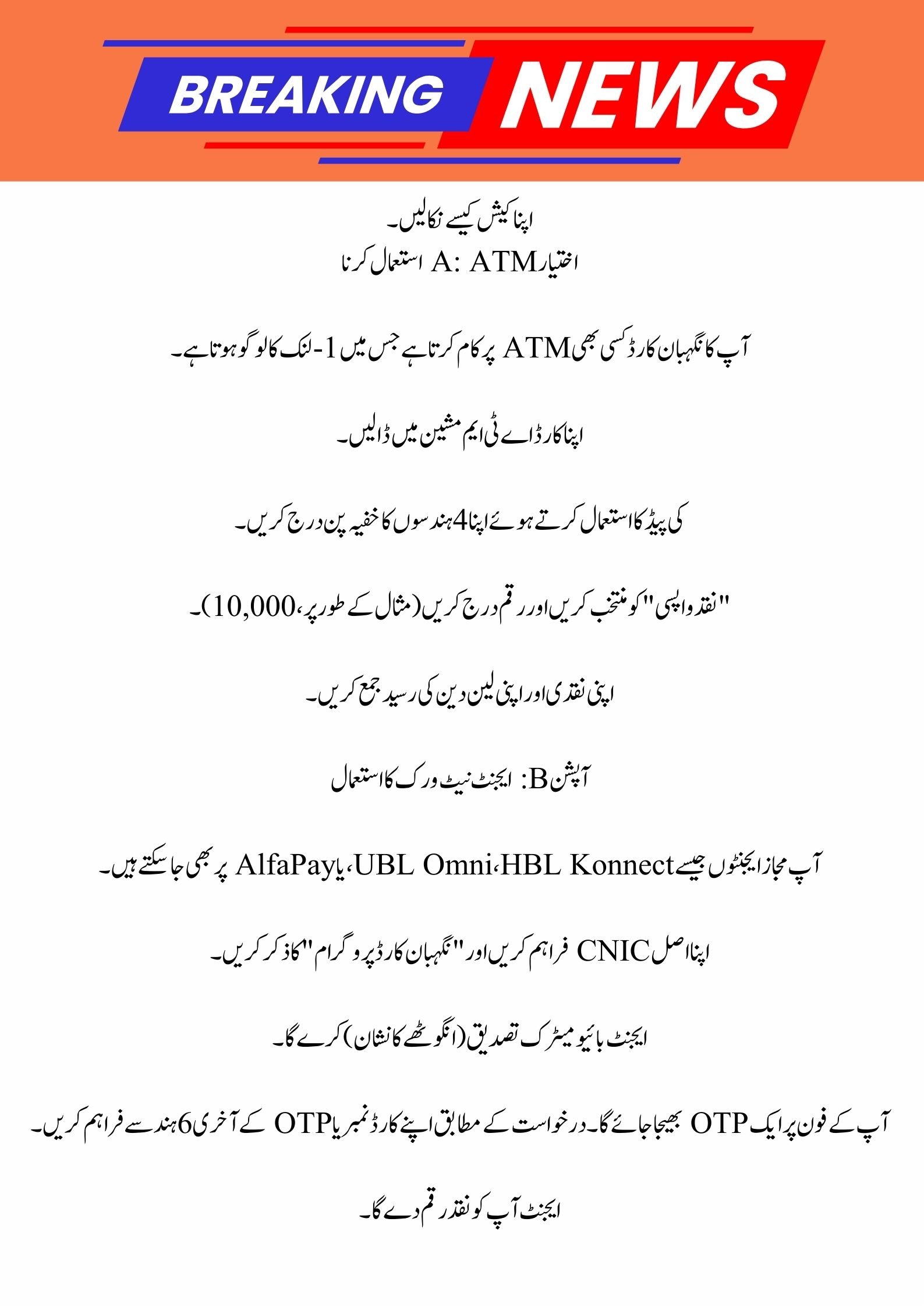
Option A: Using an ATM

Your Nigehban Card works at any ATM that has the 1-Link logo.

  1. Insert your card into the ATM machine.

  2. Enter your secret 4-digit PIN using the keypad.

  3. Select “Cash Withdrawal” and enter the amount (e.g., 10,000).

  4. Collect your cash and your transaction receipt.

8070 Web Portal: Your Guide to Muft Atta Registration 2026

Option B: Using an Agent Network

You can also visit authorized agents like UBL Omni, HBL Konnect, or AlfaPay.

  • Provide your original CNIC and mention the “Nigehban Card Program”.

  • The agent will perform a biometric verification (thumbprint).

  • An OTP will be sent to your phone; provide the last 6 digits of your card number or the OTP as requested.

  • The agent will give you the cash.

Ramzan Package 2026: Punjab Govt Nigehban Card & Rs 10,000 Cash Updates

Using Your Card at Shops (Merchants)

You don’t always have to withdraw cash. You can use the card directly at authorized grocery stores to buy rations:

  • For purchases up to Rs. 3,000, you can simply “Tap” your card on the POS machine without entering a PIN.

  • For higher amounts, you will need to enter your PIN to complete the transaction.

  • Always ask for a receipt after shopping to track your remaining balance.

Important Safety Instructions

To ensure your money stays safe, please follow these government guidelines:

  • Keep Your PIN Secret: Never share your 4-digit PIN with anyone, including bank staff or government officials.

  • Keep Your Card Safe: Do not let others handle your card for long periods to avoid theft or damage.

  • Personal Use Only: This card is strictly for personal welfare. Using it for business or commercial purposes is not allowed.

  • Official Communication: Only trust messages from 8070

Congratulations! You have received the CM Punjab Maryam Nawaz Sharif Nigehban Card

Conclusion

The Maryam Nawaz Sharif Nigehban Card is a gift for the people of Punjab to help them enjoy a peaceful and stress-free Ramadan. By following the steps above, you can easily activate your card and access your funds through ATMs or local agents. This system ensures that the aid reaches you directly without any middlemen. If you have any trouble, don’t forget to use the BOP WhatsApp service or visit your local DC office for help.

Parwaaz Card 2026: Online Registration & Application Guide

(FAQs)

1. What should I do if my Nigehban Card gets blocked?

If your card is blocked due to entering the wrong PIN too many times, you can reset it through the BOP WhatsApp service (042-111-267-200) or visit the nearest DC Office to get it unblocked.

2. Can I use this card at any bank’s ATM?

Yes, you can use the Nigehban Card at any ATM in Pakistan that displays the 1-Link logo. It is not restricted only to the Bank of Punjab.

3. Is there a fee to get the card or withdraw the money?

No, the issuance of the Nigehban Card and the withdrawal of your cash aid are completely free of cost. If an agent or official asks for a fee, you should report them immediately.

Would you like me to find the address of the nearest DC office in your district?

Leave a Comment